Start with gridi
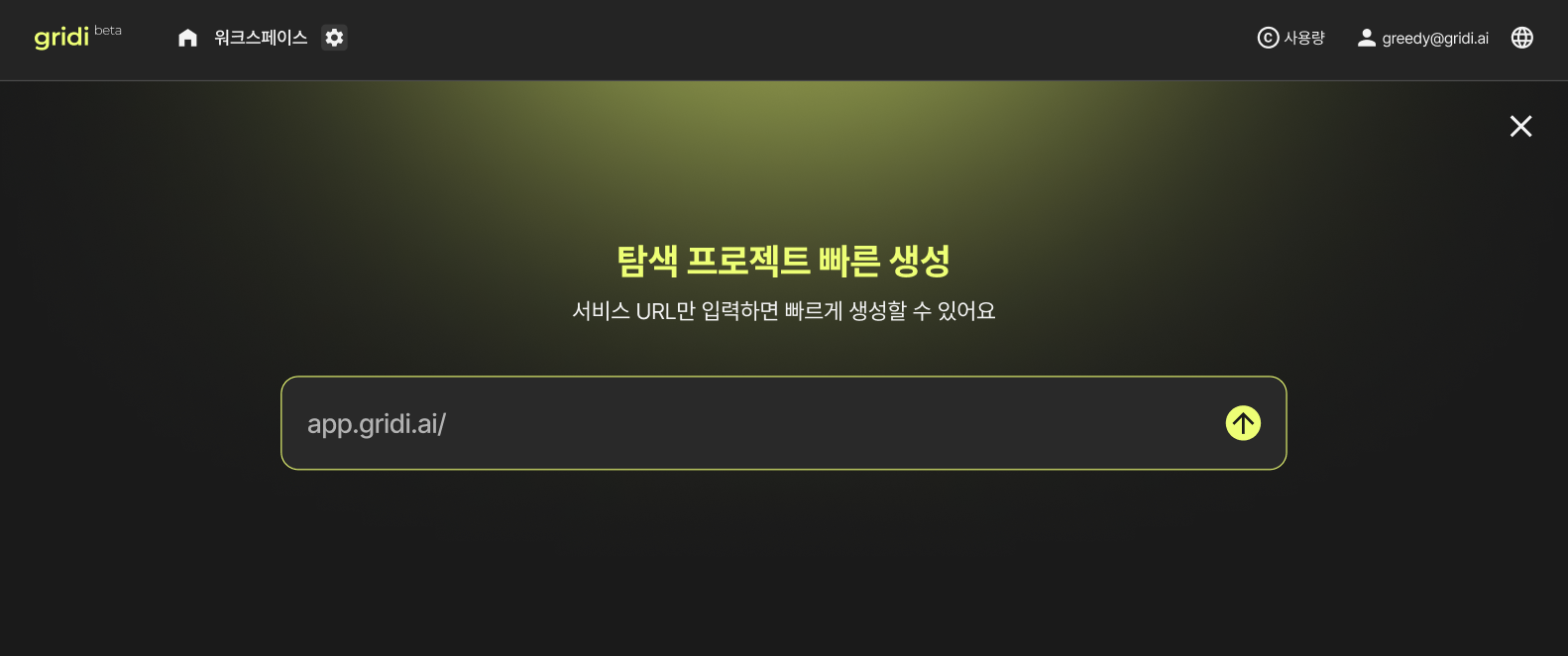
You can begin from the gridi web app.
- Sign up or log in to gridi
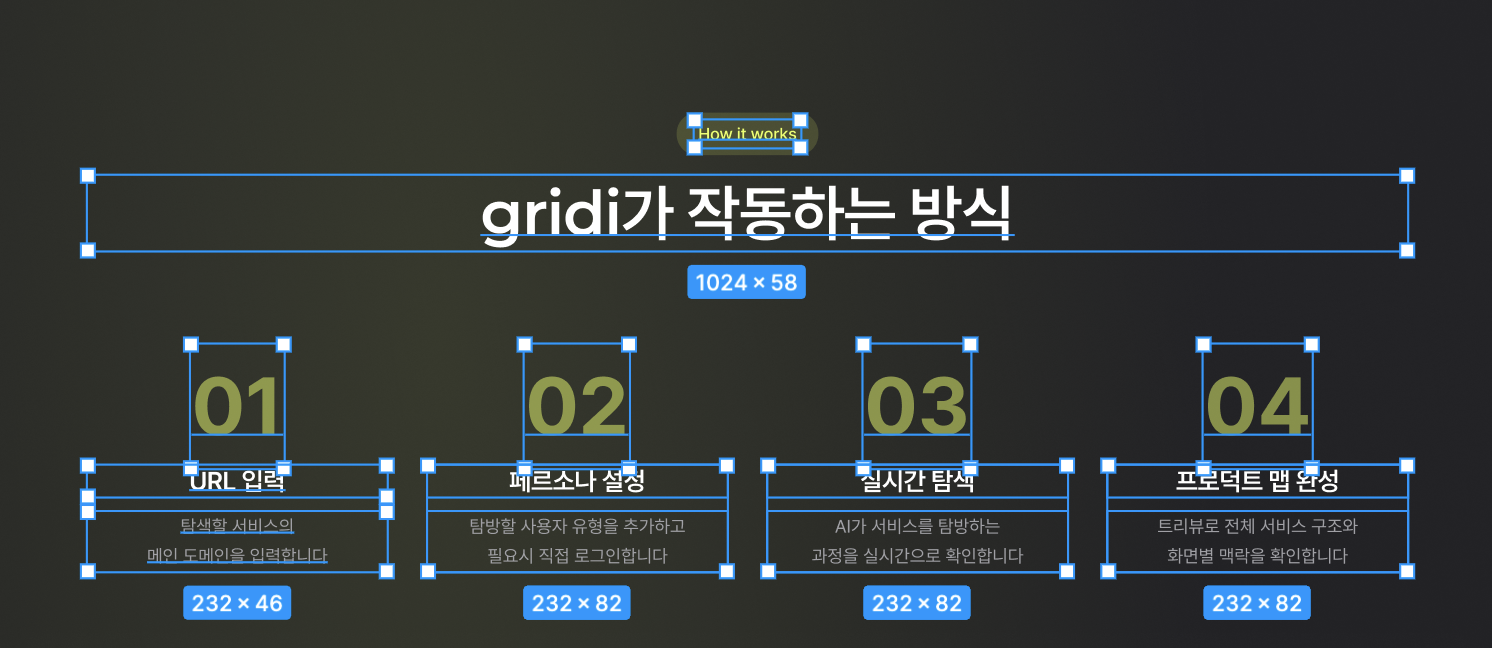
- Enter the product URL to explore
- Verify the domain and activate a plan
gridi guide
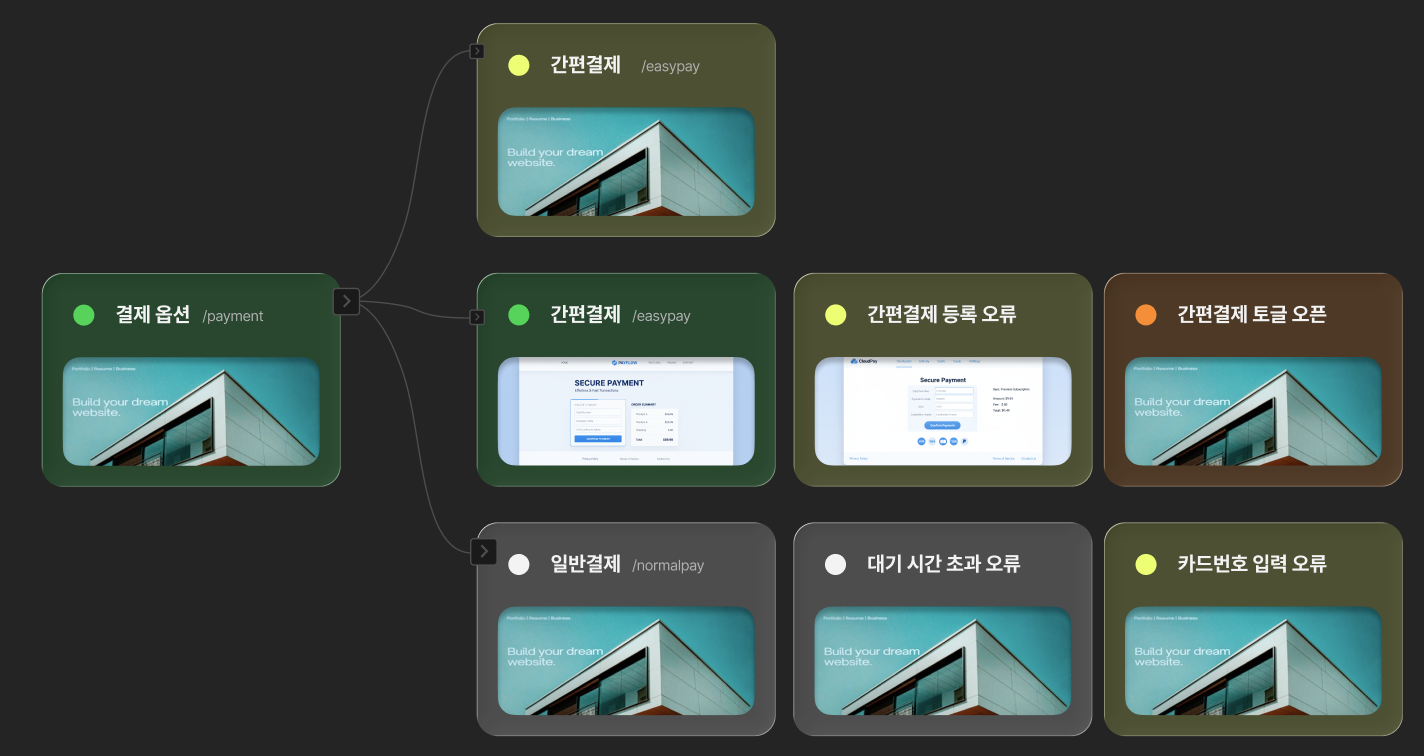
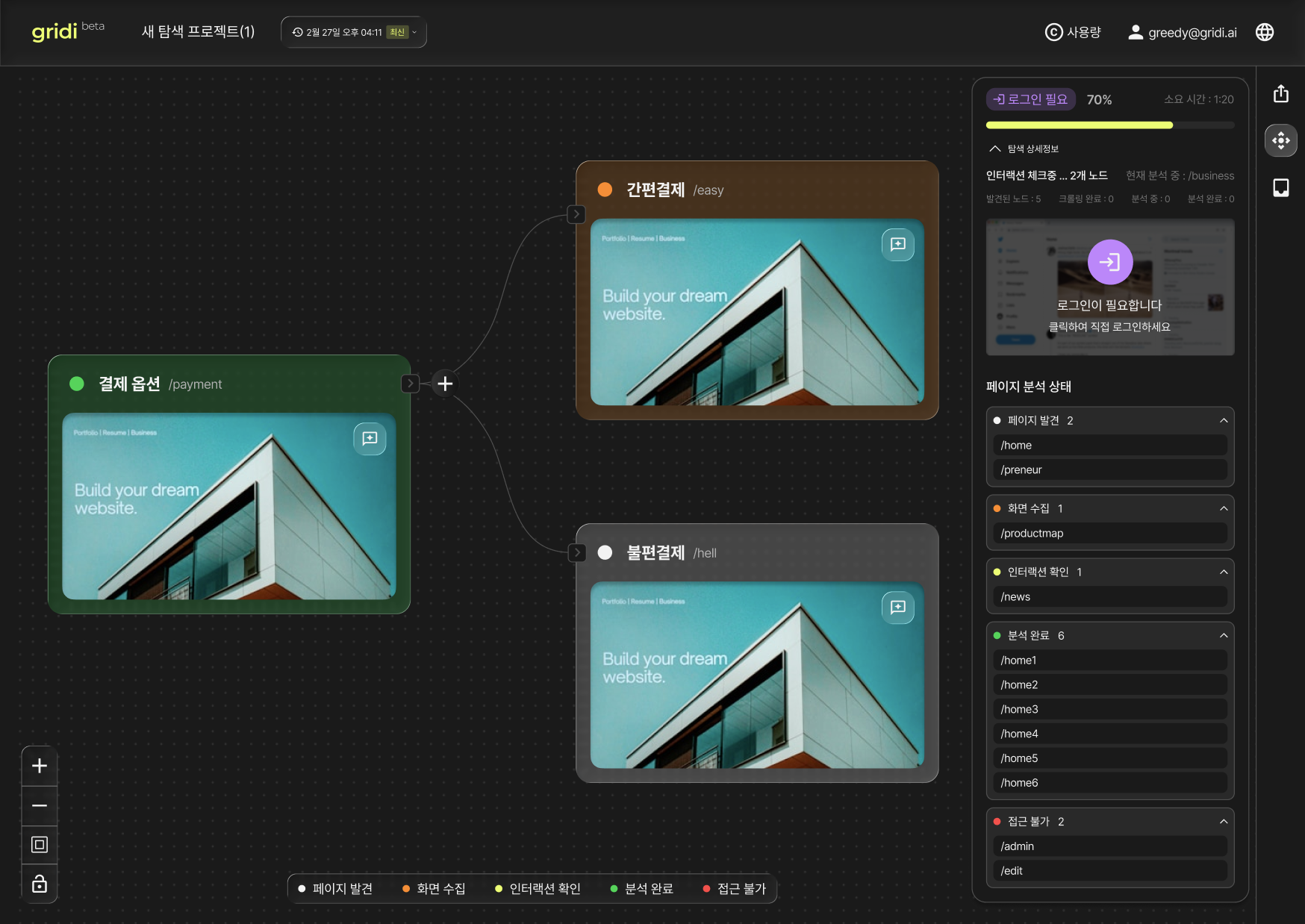
gridi directly explores your live service. It creates a product map that shows the service flow together with screenshots.
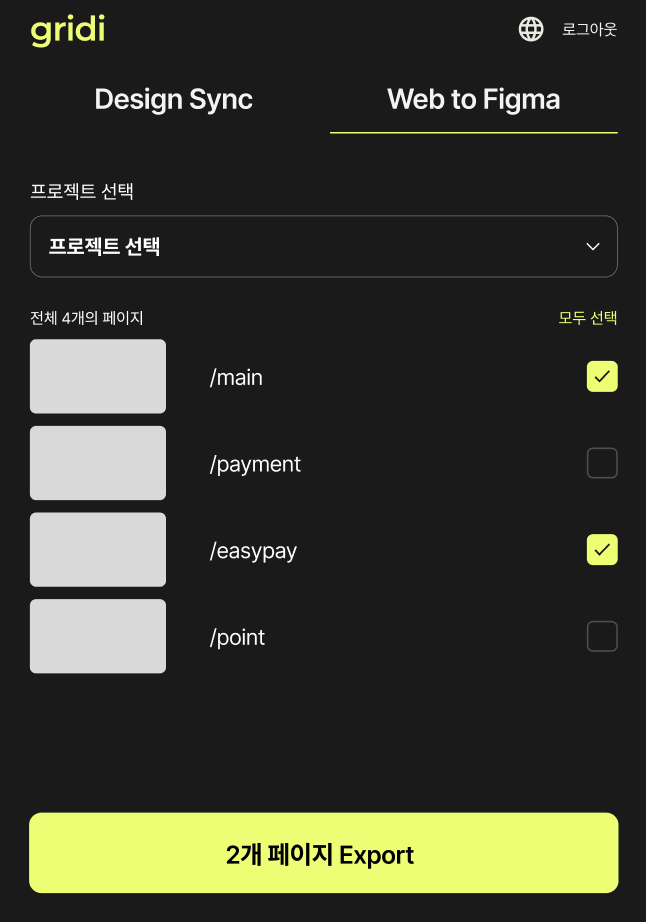
Product maps are generated page by page, and each page UI can be exported into editable Figma layers through the gridi Figma plugin.
You can begin from the gridi web app.

AI explores the product that is already running in production.
Depending on product size, exploration usually takes about 5 to 15 minutes.

When exploration is complete, you can review the product structure visually. Instead of simple screenshots, gridi shows exploration results based on the real product structure.

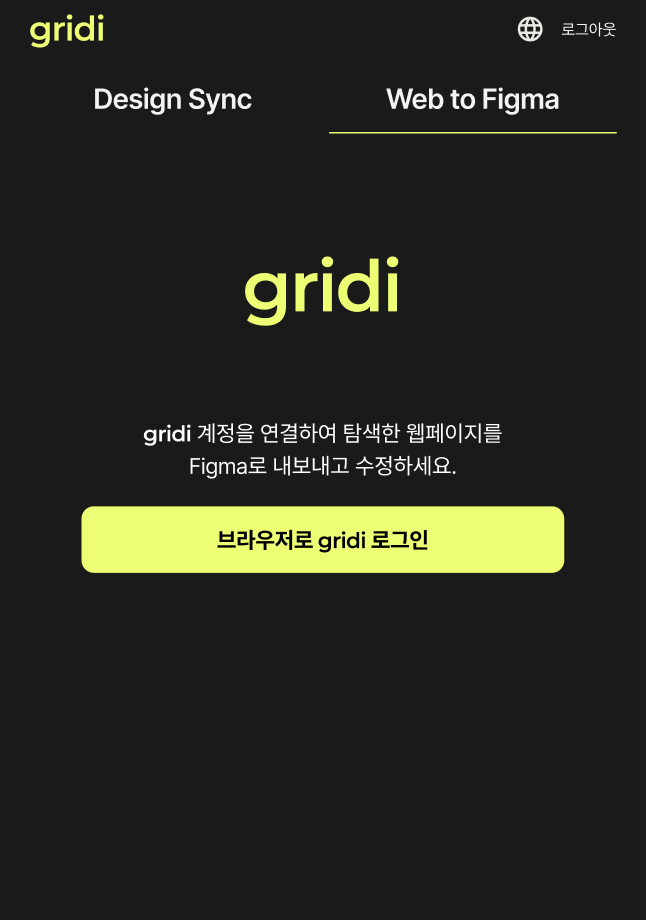
Log in to your gridi account from the Figma plugin and choose the page to export. Depending on page size, export usually takes about 30 seconds to 1 minute.


The explored live UI is converted into an editable Figma structure.